
1. Pay attention to how to launch the game correctly
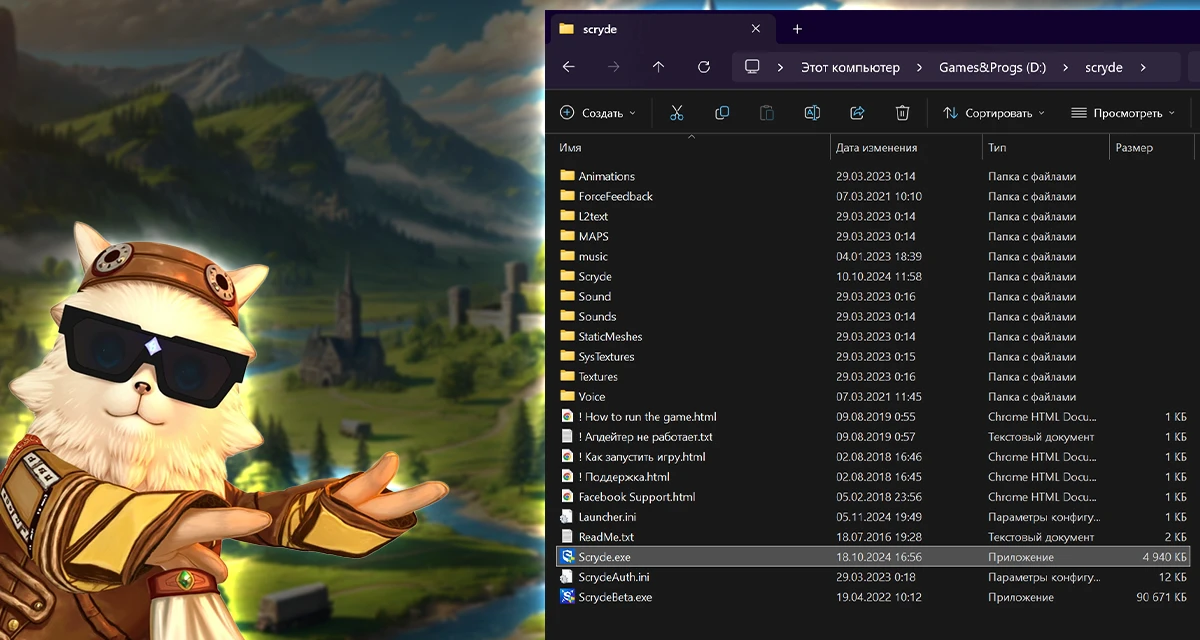
Step 1. Install the launcher into the root folder of the game
2. Wait for the files to install
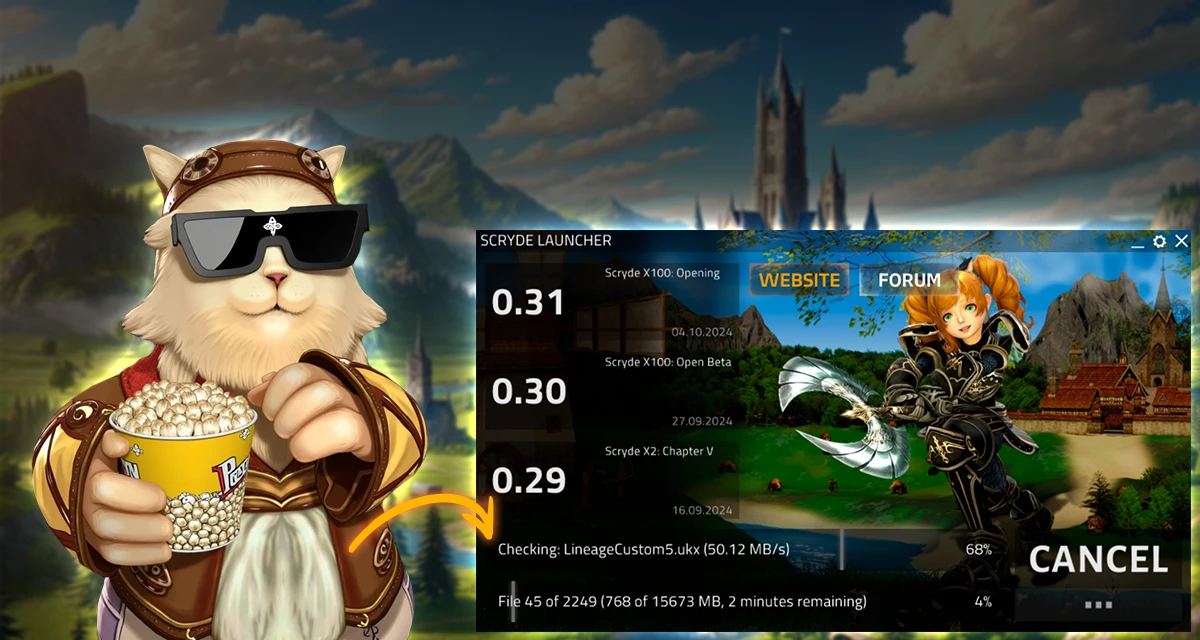
Step 2. Wait until the launcher checks and installs the necessary files
3. Hooray! You can start the game
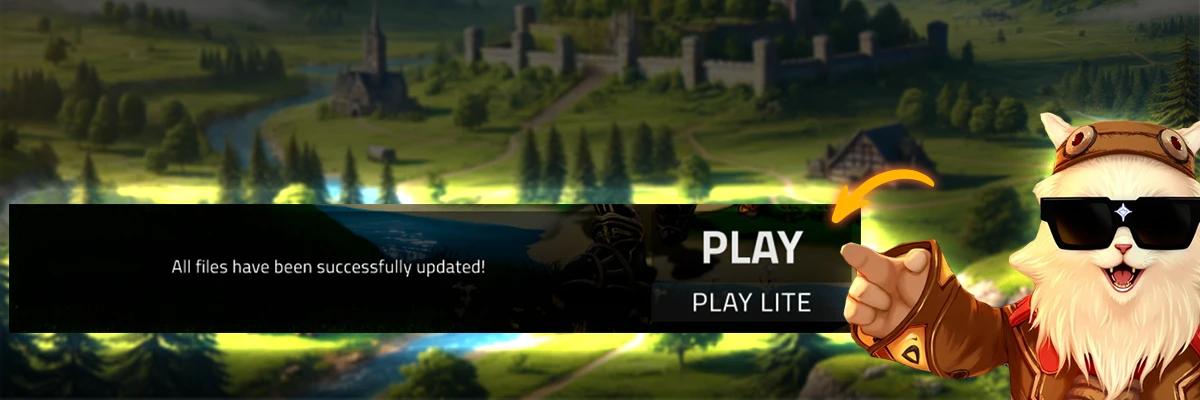
Step 3. Launch the game after verification
4. Enter your game account login and password
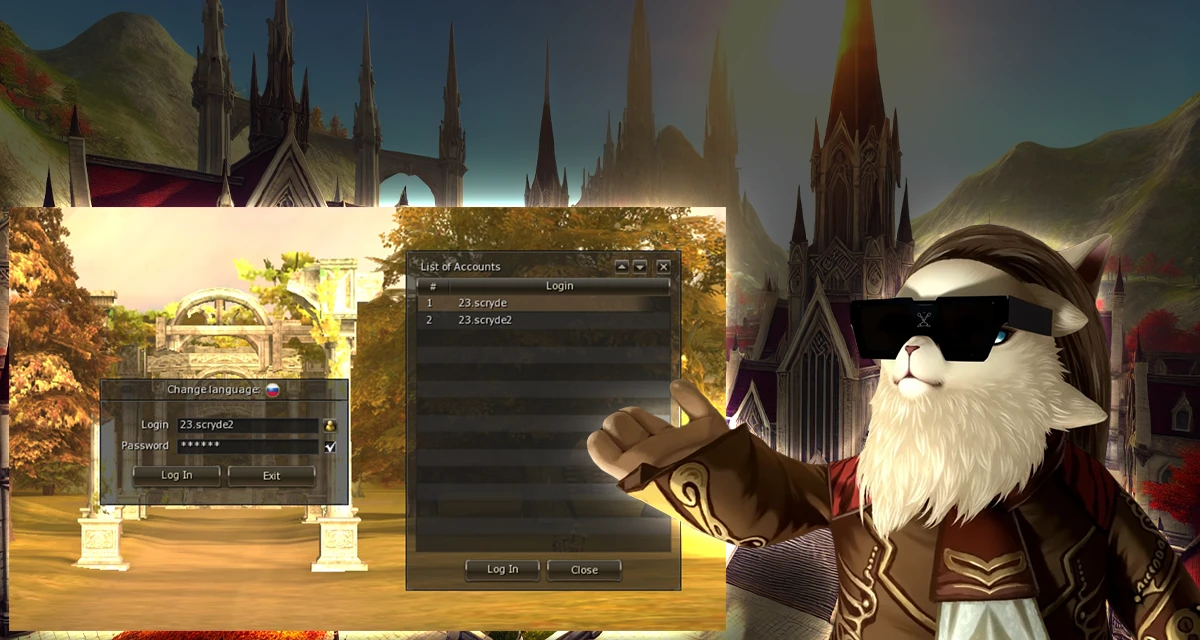
Step 4. Enter your login and password into the corresponding fields in the game
By the way, we have autologin! You don’t need to enter your credentials every time anymore
© Scryde, 2015–2026
EN

Baixar o jogo
Baixe o jogo da forma mais conveniente e inicie o launcher Scryde.exe para começar a aventura.
Outras opções de download


Ou inicie o jogo pelo launcher Scryde.exe. Escolha uma pasta, e o launcher fará tudo — baixar e instalar o jogo.
Informações úteis


